![Foundr Avatar.jpg]](https://help.foundr.com/hs-fs/hubfs/Foundr%20Avatar.jpg?height=50&name=Foundr%20Avatar.jpg)
To access our digital magazines, please log in to your Foundr account at community.foundr.com.
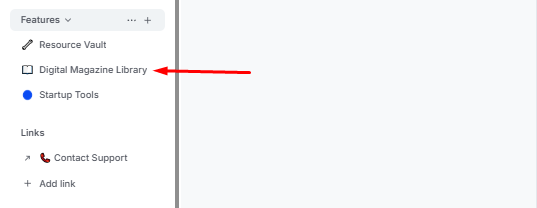
Once you’re logged in, click the Digital Magazine Library tab under the Features space group from the left-hand navigation menu.
If you’re having any issues accessing the magazines, cannot see the tab in your account, or need help with your logins, please reach out to our support team via the live chat on our website or email us at support@foundr.com.